
Oracle Cloud Benefits 26C makes Redwood the default experience for both employees and
administrators, delivering modernized enrollment flows, AI-powered assistance, and
streamlined configuration tools. This release is a major shift—future enhancements and fixes
will only be delivered in Redwood pages.
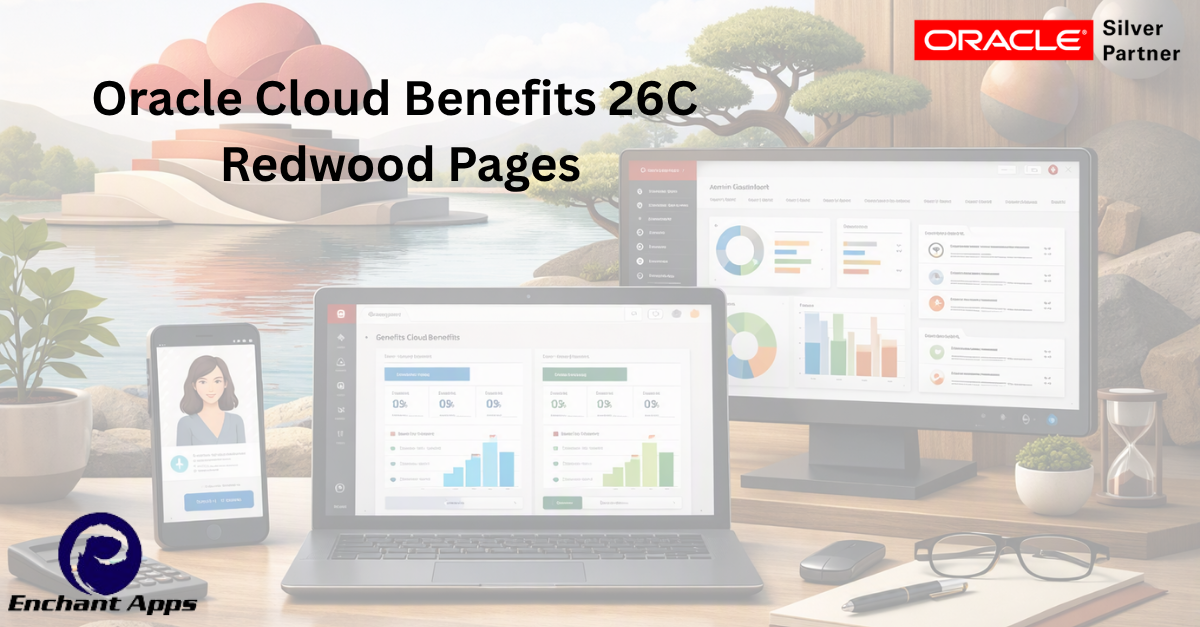
Key Highlights of Oracle Cloud Benefits 26C – Redwood Pages
Employee Self-Service
Default Redwood UI: All benefits pages now use Redwood by default.
Plan Comparison Tools: Employees can compare coverage side-by-side during
enrollment.
HSA/FSA Calculators: Integrated calculators help employees understand contributions
and savings.
Life Event Actions: Enrollment and updates for life events are clearer and more
personalized.
AI-Powered Benefits Agent: Provides guided assistance and answers to common
questions.
Administrator Experience
Redwood Plan Configuration Pages: Includes Self-Service Configuration, Enrollment Action
Items, Benefit Balances, Benefit Groups, Reporting Groups, Regulations, Year Periods, Billing
Calendars, and Plan Types.
Streamlined Navigation: Modern layouts with search, sort, and saved search capabilities.
AI Agents for Certification: Accelerates approvals and assists with validating documents.
Accessibility & Performance: Built-in accessibility, telemetry, and performance improvements.
EnchantApps Oracle Cloud experts can help you with your 26C Upgrade and testing. We are here to ensure that Oracle Cloud quarterly updates do not impact your business processes. Contact us for more details.